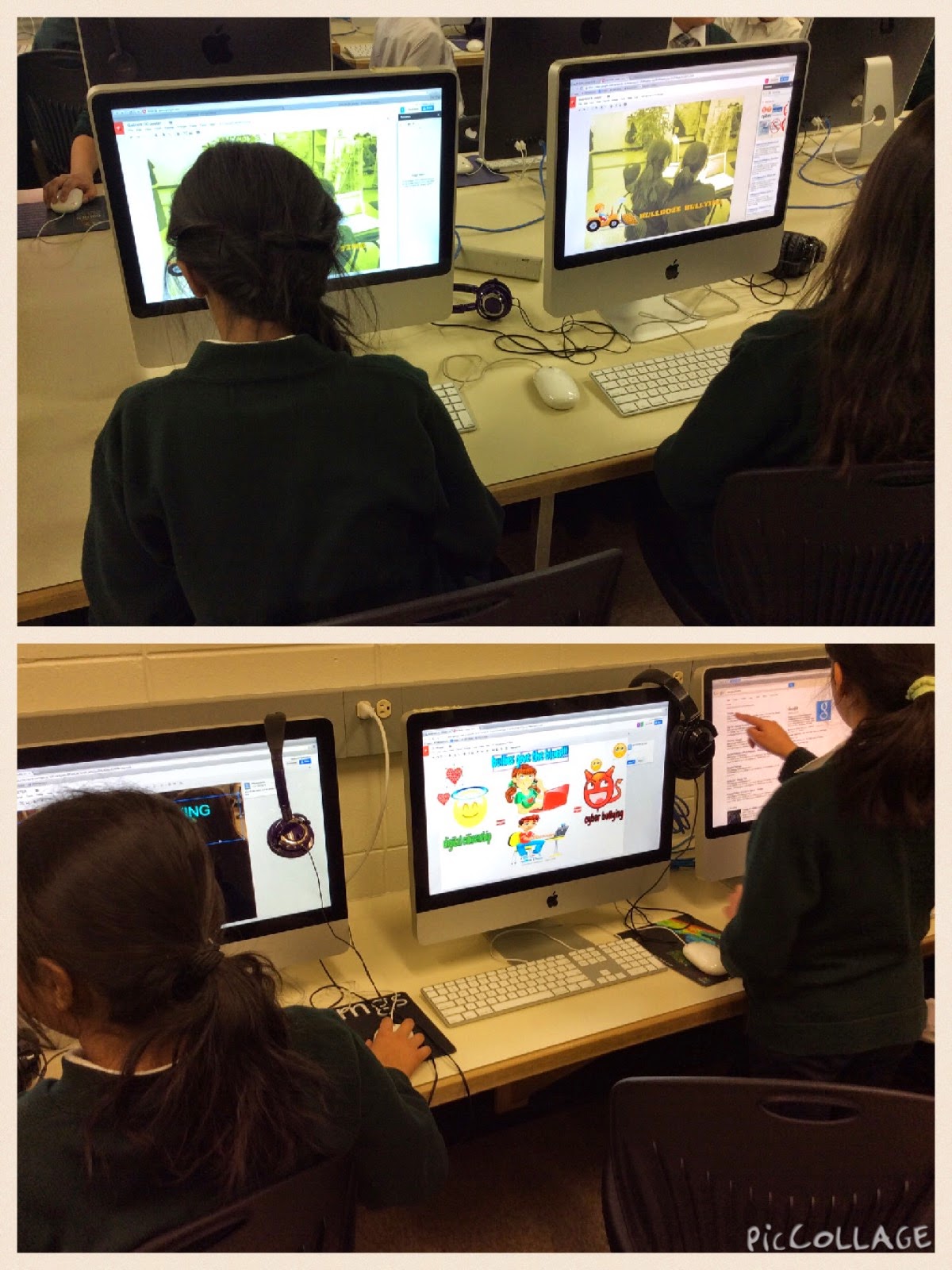
These grade two students are working on their research skills for an animal project in their class. This group is working on their digital citizenship skills and learning how to use Comic Life to present the information they have discovered about their animals.
These students came in to the learning commons today representing their classroom groups. We had to work on (redo) an older Digital Citizenship Video project that got deleted during a computer upgrade. They were so excited to be working in iMovie again!
This year we tried taking a different approach to learning about digital citizenship. Rather than just work in website, play games and watch a video, I thought it would be more powerful to CREATE something based on what we learn from some of the activities. We decided we would make our own Digital Citizenship Series of videos.
With this particular grade 3 class, we started by deciding on a topic that the teacher wanted to explore (based on the needs of the classroom) and we collaboratively planned an inquiry together. The plan is shared the plan below.
We started by visiting and playing Zoe and Molly which the kids really enjoyed. This was our main source of research as we believe we could encourage our students to create their own understanding of what good digital citizenship looks like.
We focused our project on the importance of keeping our personal information private. We created and had students collaborate in a Google Doc to list down all the different things that need to kept private when working online.
Once we completed this list, we launched the task:
After launching task, we placed students in small groups that would focus on a particular topic. Groups would then come up with a sentence together that would send a message about the importance of keeping private information.
When we then worked through a series of lessons where students took photos that expressed the importance of keeping their information private. We used teacher examples (shown below) to model to students what good photos should look like. From there we created some success criteria for taking photos (see the task).
Once the photos were taken, students then imported into iMovie and created a video using their images. When images were all saved in Google Drive, students then imported into iMovie to order and create a story of 'images with words'. When played in succession, the words would tell a story and student would also record voice over add some sound.
Our Grade 5s are closing in on a Digital Citizenship Project that they have been working on over a period of time. We're learning to create good visuals!
Today the learning commons was busy with two opposite ends of the school. Kindergarten were creating sets as a math sorting centre and also documenting with iPads. Grade 5 were creating in their DC Project using MacBooks, iPad and digital cameras.