- Create a Google Presentation
- Use Google's Research tool
- Add 'free to use' creative commons licensed pictures and make them full screen
- Add text and manipulate it
A space to connect and share with other Learning Commons in and around the Calgary Area!
Showing posts with label Google Drive. Show all posts
Thursday, 11 June 2015
#YYCLC Day 174: Grade 1 and Google Presentations
These grade 1 students have been working hard to transfer their research into a Google Presentation (for the first time). So far, we have learned to:
Friday, 17 October 2014
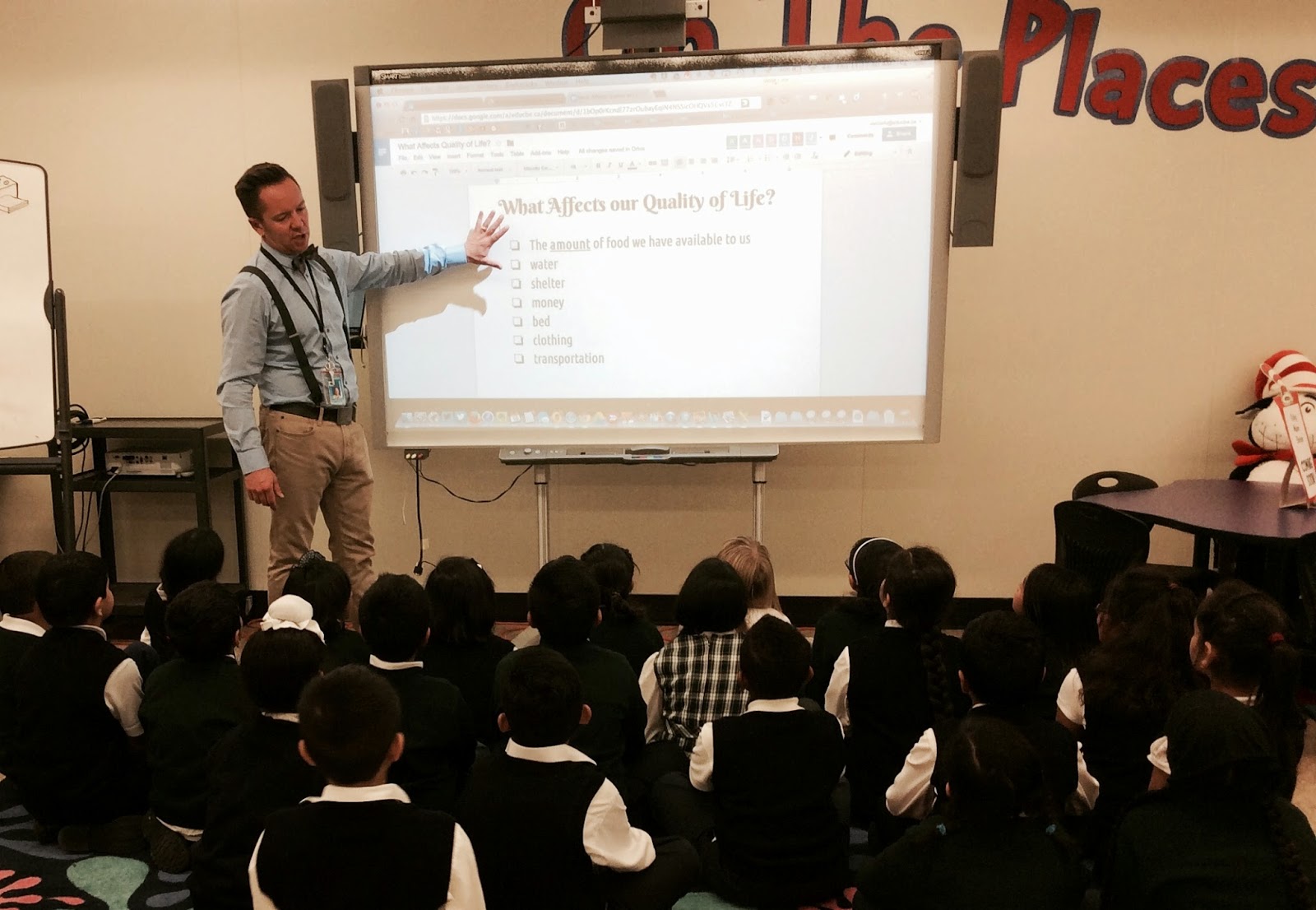
#YYCLC Day33: Full Class Learning
The Learning Commons at Chris Akkerman is often used as a place to learn something together. These grade 3 students are learning how to make a copy of a document and then share it with the teacher within Google Drive.
Friday, 5 September 2014
#YYCLC Day 4: 1st & Only Class Visit
Wednesday, 18 June 2014
Saving and Sharing an iMovie Project
I have often found that teachers and students often run into trouble when finishing iMovie projects. The important thing to remember that iMovie is the creation tool, not the view tool. Once an iMovie project has been completed, it must be shared, or exported so that it can be viewed and shared as a video file.
Here's how we do it with our students.
Click here to open the tutorial in Google Drive...
Here's how we do it with our students.
Click here to open the tutorial in Google Drive...
Subscribe to:
Posts (Atom)