Pages

Showing posts with label grade 5. Show all posts

Wednesday, 27 May 2015

#YYCLC Day 164: Interactive Displays!

This grade 5 class has been busy putting together an interactive display in the learning commons. They have been working on creating websites to go with their 3D Map they created with plastercine. The websites are linked to and accessed via the QR codes.

Friday, 1 May 2015

Wednesday, 29 April 2015

#YYCLC Day 146: LittleBits Exploration

Grade 5 students at Keeler learning circuits and reflecting at their own pace using a guiding checklist to personalize their learning.

Tuesday, 28 April 2015

#YYCLC Day 145: LittleBits Challenge Cards

Grade 5 students at Keeler learning how to use LittleBits through the open source challenge cards available online.

Wednesday, 18 March 2015

#YYCLC Day 124: Reflecting using QR Codes and Google Forms

Our Grade 5 students were reflecting on their wikiseat project today. We used iPads and QR codes to access the Google Form to submit our reflection.

Monday, 16 March 2015

#YYCLC Day 122: Displaying the #Wikiseat

Our Grade 5s are almost finished their #Wikiseat projects. They are beginning to proudly display their hard work in our reading corner. Please read more information on our Wikiseat Project Blog

Wednesday, 25 February 2015

#YYCLC Day 109: Lego Mindstorms and Collaboration


Students in grades 4 and 5 work collaboratively to choose a design and begin to build a Lego Mindstorm in the Keeler School Maker Club.

Monday, 5 January 2015

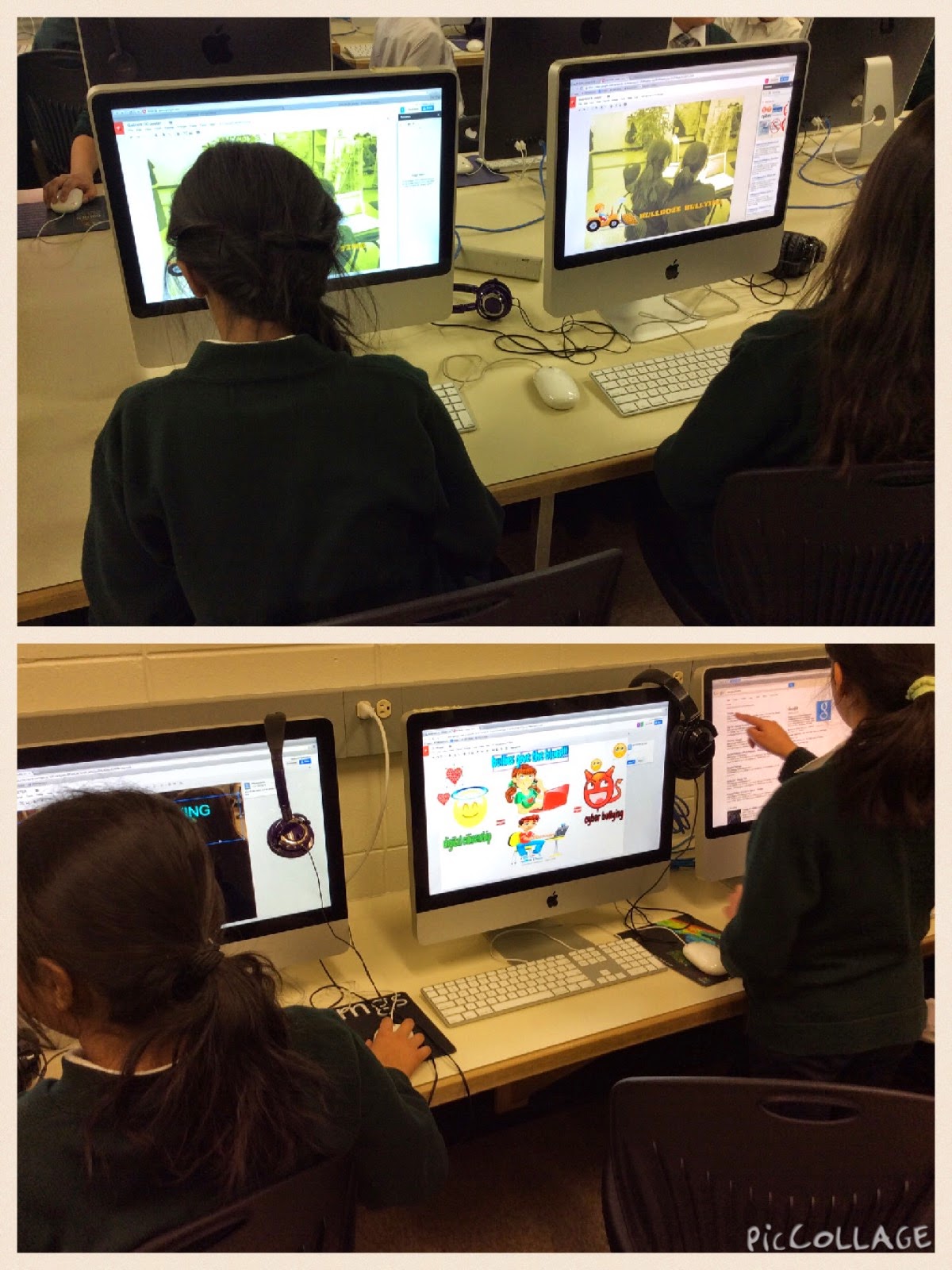
#YYCLC Day 77: Digital Citizenship Project

Our Grade 5s are closing in on a Digital Citizenship Project that they have been working on over a period of time. We're learning to create good visuals!

Friday, 28 November 2014

#YYCLC Day 61: Sketchbook Pro at Keeler School

Grade 5 students at Keeler School using Sketchbook Pro in iPads with stylus pens to sketch photos of themselves.  These will be sent to their class pen pals.

Thursday, 30 October 2014

#YYCLC Day42: The Learning Commons - A busy place

Today the learning commons was busy with two opposite ends of the school. Kindergarten were creating sets as a math sorting centre and also documenting with iPads. Grade 5 were creating in their DC Project using MacBooks, iPad and digital cameras.

Tuesday, 28 October 2014

#YYCLC Day40: Grade 5s Explaining Everything

The learning commons is a great place to spread out when recording audio (or video) to explain a concept.

Wednesday, 15 May 2013

Lego Logic: Building a City

I'm excited about this project: The students are creating a Lego City! They've been givin a lot each and with increasingly difficult challenges are tasked with developing their land, building houses, growing the community, and solving social problems around meeting the needs of the constituents.

Of course it costs money to build, so lego bricks aren't free. This means that after they've planned their layout, they've got to calculate the perimeter and then the total price to build a wall. Then they've got to build up... The greatest surprise in this is that as a school we ran out of red lego bricks (the cheapest at $2 per nub), meaning that students had to change their colours, costing them more money. More than a few students had to go back to the second challenge and re-build their floor plan.

We're really just getting started, so there will be much more to come!

The planning document is below (feel free to edit, please, we're looking for feedback!), and the challenge cards are here, too. Any thoughts will be hugely helpful and much appreciated!

Planning Document: https://docs.google.com/document/d/1NEDGzkbd062fZW0eGWYPp6QEBny0fXND19TE8gPLYmA/edit


Monday, 4 February 2013

To Play or Not to Play?

That is the question!


In my day to day to work, I'm often introducing students to new technologies/resources. I have found the best way for students to learn something new, especially something to do with technology, is to let them play; push all the buttons; tinker with it; experiment with different things. All of this helps them to work out what makes the application 'tick' also to see what it is capable of and where it might be fit best within their learning.

Some teachers may argue the benefit of playing with something before really applying it to learning. After all, there is so much curriculum to get through and playing around with an App would be wasting valuable 'learning time'. My argument is that there is so much value in playing and tinkering with something new.


In the past few weeks, I have been working with a grade 5-6 class learning how to animate in three different ways:


The teacher I was working with decided that it would be best for the students to see the capability of each application before setting the big animation project (to animate a property/principle of air). We spent 9 lessons of about 1 hour to learn our way around each app. This included mini lessons, playing, sharing and giving feedback. This idea worked out so well and both of us teachers were blown away by how well the students did.

Here are some examples of some of the work our students completed during this tinkering time:

DoInk Animation & Drawing


Keynote for Mac

The video below is a video montage of a few different keynote animations.


Stop Motion Studio Pro

The following animations videos were the students first attempts and playing around with Stop Motion Studio.